
Template gallery
Get the files you needwith a checklist.
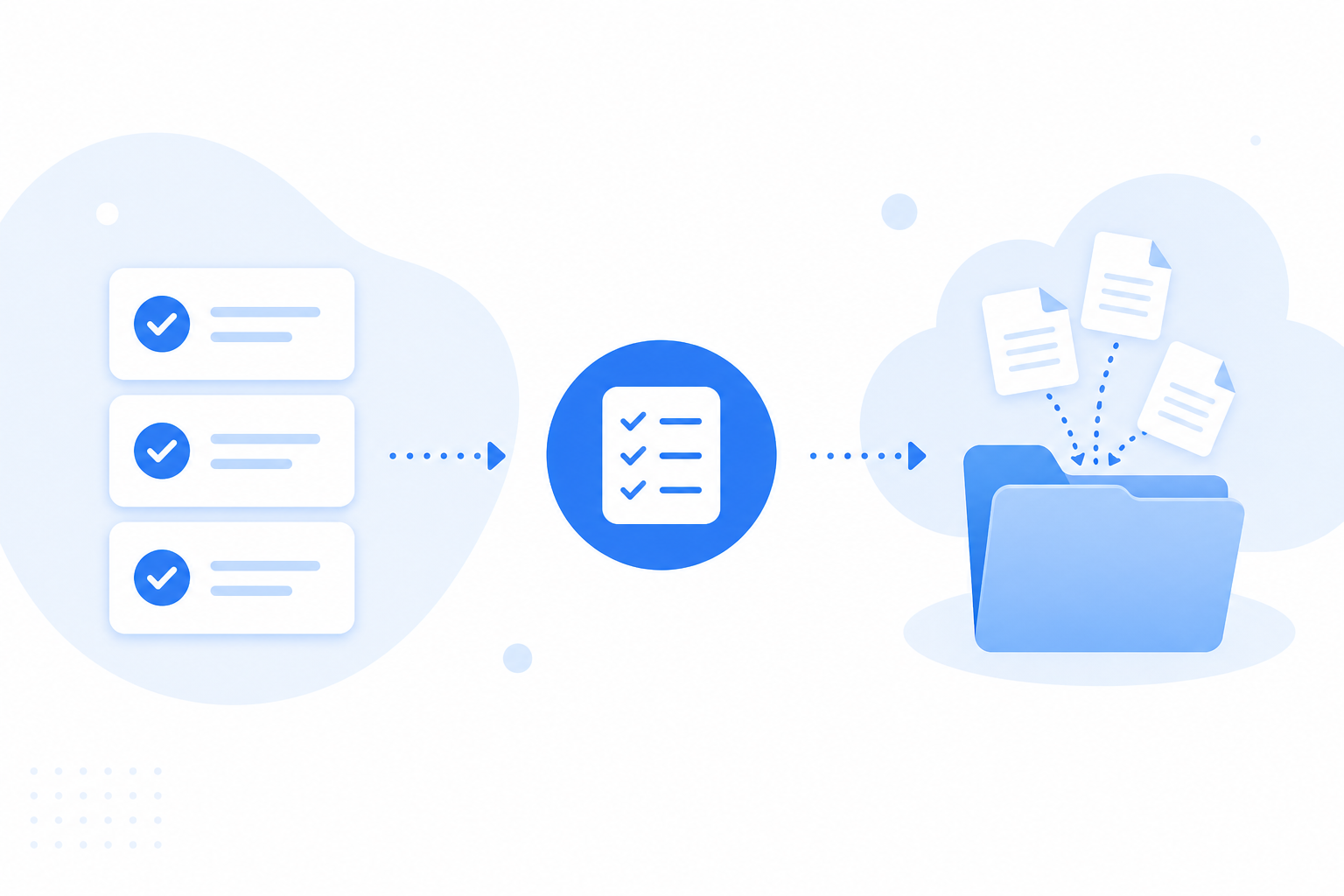
Pick a built-in checklist and send one link. Submitters need no account, and you can see what's still missing at a glance.
Files land in a request-only folder in your connected cloud. We never keep copies.
Demos need no account. Free to start when you're ready.
Browse templates
Signed documents
Collect signed documents without another round of email attachments.
4 items
- · Signed agreement
- · Signed NDA
- · Order acknowledgment
Receipts & invoices
Collect expense receipts and invoices in one checklist.
4 items
- · Receipts
- · Invoices
- · Bank or credit card statement
Brand assets
Ask once for logos and brand files instead of digging through chat threads.
4 items
- · Logo files (PNG, SVG, or ZIP)
- · Brand guidelines
- · Font package (ZIP) or font license notes
Project files
Gather copy, photos, and references for a specific creative project.
5 items
- · Copy or manuscript
- · Photos or images
- · Reference materials
Client onboarding
Collect the kickoff files you need before work starts.
4 items
- · Signed agreement
- · Company logo (PNG or SVG)
- · Brand guidelines
Vendor registration
Collect company paperwork before you place an order.
5 items
- · Business registration or certificate
- · Bank account verification document (mask unrelated balances and transaction history)
- · Tax / invoice registration document
Deliverables
Receive final files from freelancers or collaborators in one place.
4 items
- · Final deliverables (PDF, image, document, or archive)
- · Editable source files (ZIP or document)
- · Preview or mockup
Print-ready files
Collect print or production files before submission deadlines.
5 items
- · Print-ready PDF
- · Font package (ZIP)
- · Dieline or cutting-template file (PDF, image, or archive)
Event materials
Collect speaker materials before the event.
5 items
- · Session outline or abstract
- · Slide deck
- · Speaker photo
Tax documents
Collect tax-prep supporting files without another round of email attachments.
4 items
- · Pay stubs or income statements
- · Expense and deduction receipts
- · Prior-year tax summaries as PDF files (SSNs redacted)
Questions about templates
How built-in checklists work in Filecue.
Can I edit a template after I start?
Yes. Built-in templates pre-fill your request checklist. You can rename items, mark them as required or optional, and adjust accepted file types before you send the link.
Do submitters need an account?
No. They open your link and upload from the browser. No Filecue signup required.
Where do uploaded files go?
Into a request-only folder in your connected Google Drive or personal OneDrive. Work or school OneDrive accounts are not supported. Filecue coordinates the upload and does not keep copies.
Still have a question? Contact us