
For tax & accounting
Collect client tax documentswith one checklist link.
Turn the files you need for each return into a checklist and share one submission link. Less email back-and-forth, fewer lost attachments, and you can see what's still missing at a glance.
Demos need no account. Free to start when you're ready.
Tax season shouldn't mean inbox chaos
Preparing returns is only part of the job. Getting every document on time is another.
- Clients email incomplete sets, a mix of photos and PDFs, or the same form three times.
- You spend hours sending polite follow-ups before and after the due date.
- Files end up scattered across email threads instead of one folder per client.
Example tax checklist
Start from this list when you create a request, then customize items and accepted file types for each client.
Pay stubs or income statements
Required
Expense and deduction receipts
Optional
Prior-year tax summaries (SSN redacted)
Required
Deduction records or statements
Required
How Filecue helps at tax time
One organized request instead of another round of email threads.
One link, full checklist
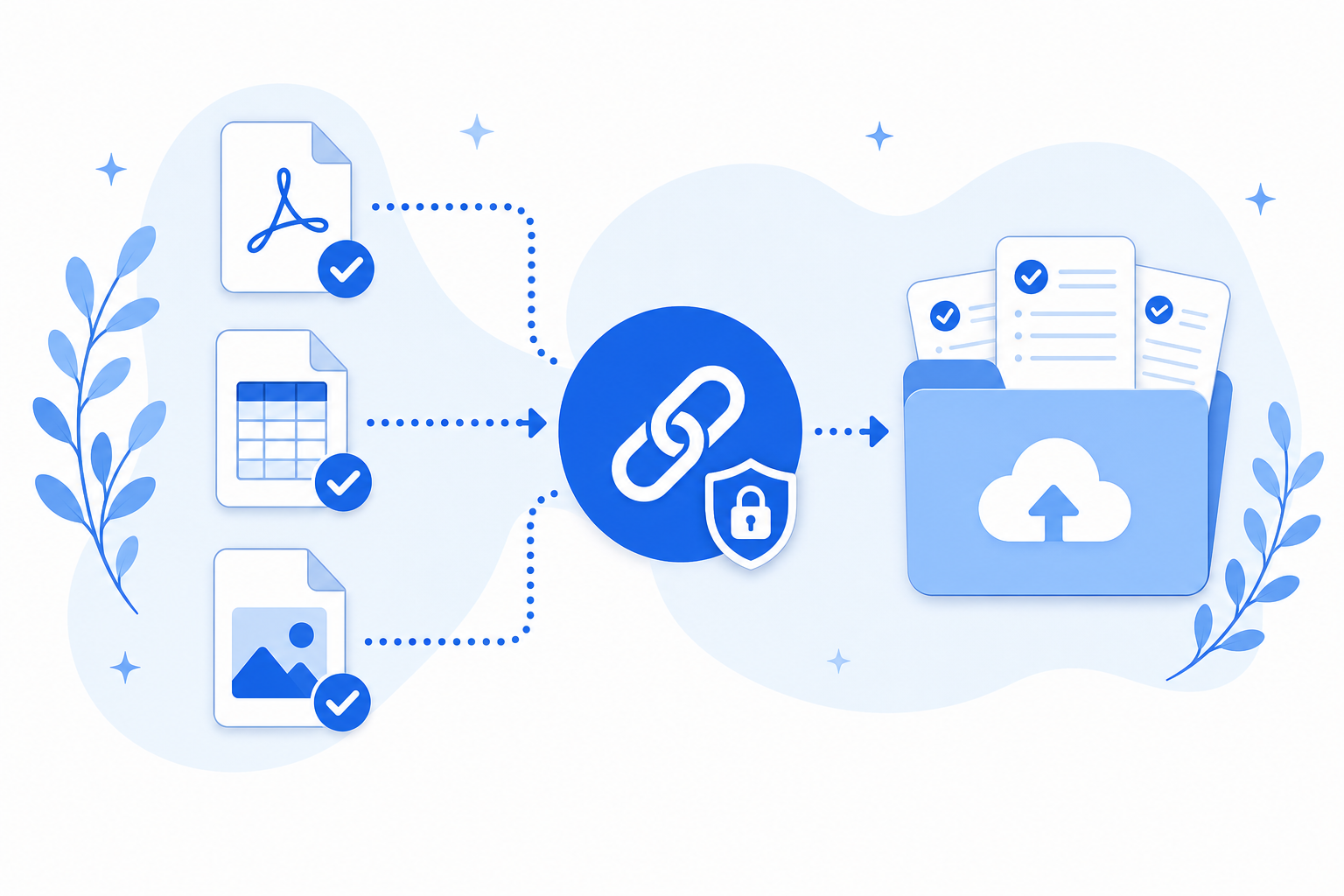
Clients see exactly what's still missing and can upload from the browser. No account required.
Lands in a request-only folder
Files go to a request-only folder in your connected Google Drive or personal OneDrive. Filecue coordinates the upload and does not keep copies.
Reminders on autopilot
Automated reminders tied to the due date mean fewer awkward follow-up emails from you.
Frequently asked questions
Common questions about collecting client tax documents.
Do clients need a Filecue account to upload tax documents?
No. Share the submission link, or have Filecue email it, and clients can upload from their browser with no signup.
Where do submitted tax files go?
Into a request-only folder in your connected Google Drive or personal OneDrive. Filecue does not store file copies on our servers.
Can I reuse a tax document checklist every year?
Yes. Start from the built-in tax documents template, save your firm's standard list as your own template, and apply it when you create each year's requests.
Will Filecue remind clients who haven't finished?
Yes. With a due date set, Filecue can email reminders while items are still incomplete: around the due date on Free, with additional reminders before and after the due date on Pro.
Can clients upload W-2 or 1099 forms, or documents containing SSNs or payment card information?
No. Do not request or upload documents that contain Social Security numbers (including W-2 and 1099 forms), My Number (Individual Number), detailed medical records, passport or government ID data, or payment card information. Use pay stubs, expense receipts, and redacted summaries instead.
Still have a question? Contact us
Ready for a calmer tax season?
Create your first tax document request in about a minute and send one link.
Demos need no account. Free to start when you're ready.