
For property managers & brokers
Collect rental and move-in fileswith one checklist link.
Turn the documents you need for each rental application or move-in into a checklist and share one submission link. Fewer missing attachments, fewer follow-up emails, and clear progress at a glance.
Demos need no account. Free to start when you're ready.
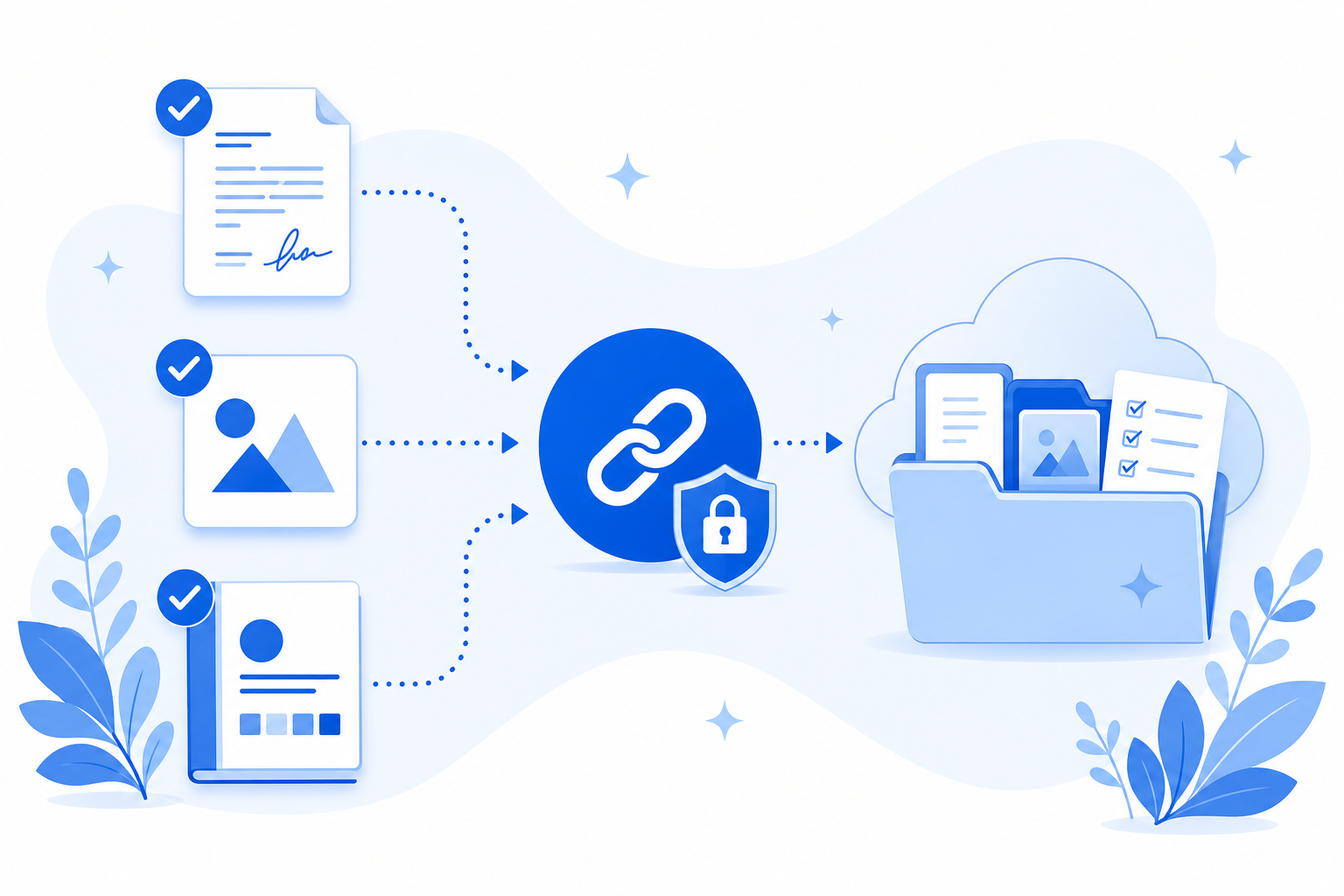
Leasing shouldn't mean inbox chaos
Applications stall when files arrive late, incomplete, or in the wrong format.
- Applicants email incomplete documents across multiple threads.
- You resend polite reminders while units sit vacant.
- Move-in photos and contracts live in chat instead of one folder per property.
Example leasing checklist
Use this as a starting point for rental applications or move-ins, then tailor items and accepted file types per property.
Signed rental application (SSN and government ID data redacted)
Required
Proof of income (pay stubs or a redacted tax summary)
Required
Signed guarantor agreement
Required
Move-in condition photos (optional)
Optional
How Filecue helps property teams
One checklist link instead of another scattered leasing email.
Clear list for every applicant
Applicants see exactly what is still outstanding and can upload from the browser. No account required.
Lands in a request-only folder
Files go to a request-only folder in your connected Google Drive or personal OneDrive. Filecue does not keep copies.
Fewer follow-up emails
Automatic reminders prompt incomplete submissions so you can focus on showings and move-ins.
Frequently asked questions
Common questions about requesting rental move-in documents.
Do applicants or tenants need an account to upload?
No. They open the link in a browser and upload. No Filecue account required.
Can I limit uploads to PDFs or images for certain items?
Yes. Each checklist item can accept specific types such as images, PDFs, or documents. Direct uploads with blocked high-risk extensions such as .exe, .bat, and .ps1 are rejected.
Can I reuse a move-in document checklist for every property?
Yes. Save your standard move-in document list as a template and apply it when creating each request.
Where do application files get stored?
In the request-only folder for that request in Google Drive or personal OneDrive. Filecue does not keep copies of the files.
Still have a question? Contact us
Collect the next applicant's files with one link.
Create a checklist, share it, and collect the leasing files you need.
Demos need no account. Free to start when you're ready.