
For agencies & consultants
Collect client kickoff fileswith one checklist link.
Kick off every new engagement with one checklist link. Clients upload contracts, brand assets, and access setup notes, and you can see what's still missing at a glance.
Demos need no account. Free to start when you're ready.
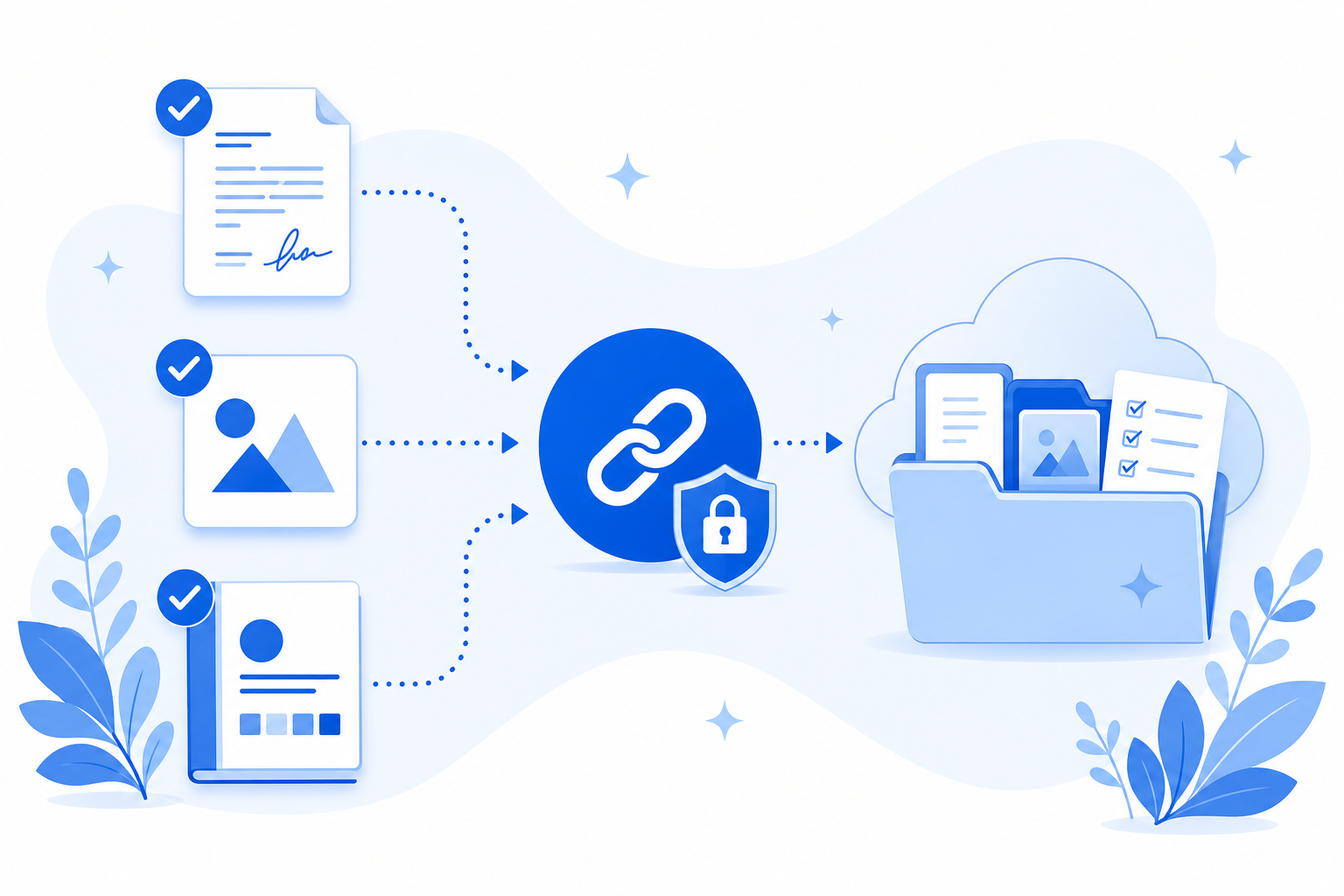
New projects stall waiting on files
Kickoff shouldn't depend on digging through email attachments.
- Signed agreements, logos, and access setup notes arrive in separate threads, or not at all.
- You resend “quick reminder” emails while the project clock is already running.
- Brand assets live in chat downloads instead of a shared project folder.
Example onboarding checklist
Use this as a starting point for new engagements, then tailor items and accepted file types per client.
Signed agreement
Required
Company logo (PNG or SVG)
Optional
Brand guidelines
Required
Access setup notes (no passwords)
Required
Start projects with everything you need
A clear checklist beats another scattered onboarding email.
Clear expectations up front
Clients see every required file in one place and know what is still outstanding.
Lands in a request-only folder
Files go to a request-only folder in your connected Google Drive or personal OneDrive. Filecue does not keep copies.
Fewer follow-up emails
Automatic reminders prompt incomplete submissions so you can stay focused on the work.
Frequently asked questions
Common questions about collecting kickoff materials.
Do clients need an account to upload onboarding files?
No. They open the link in a browser and upload. No Filecue account required.
Can I limit uploads to images or PDFs for certain items?
Yes. Each checklist item can accept specific types such as images, PDFs, or documents. Direct uploads with blocked high-risk extensions such as .exe, .bat, and .ps1 are rejected.
Can I reuse a kickoff file list for every new client?
Yes. Start from the built-in Client onboarding template, save your kickoff file list as your own template, and apply it when creating each request.
Where do logos and contracts get stored?
In the request-only folder for that request in Google Drive or personal OneDrive. Filecue does not keep copies of the files.
Still have a question? Contact us
Collect your next client's kickoff files with one link.
Create a checklist, share one link, and collect the kickoff files you need.
Demos need no account. Free to start when you're ready.