
Built-in checklist
Client onboarding
Collect the kickoff files you need before work starts.
Files land in a request-only folder in your connected cloud. We never keep copies.
Demos need no account. Free to start when you're ready.
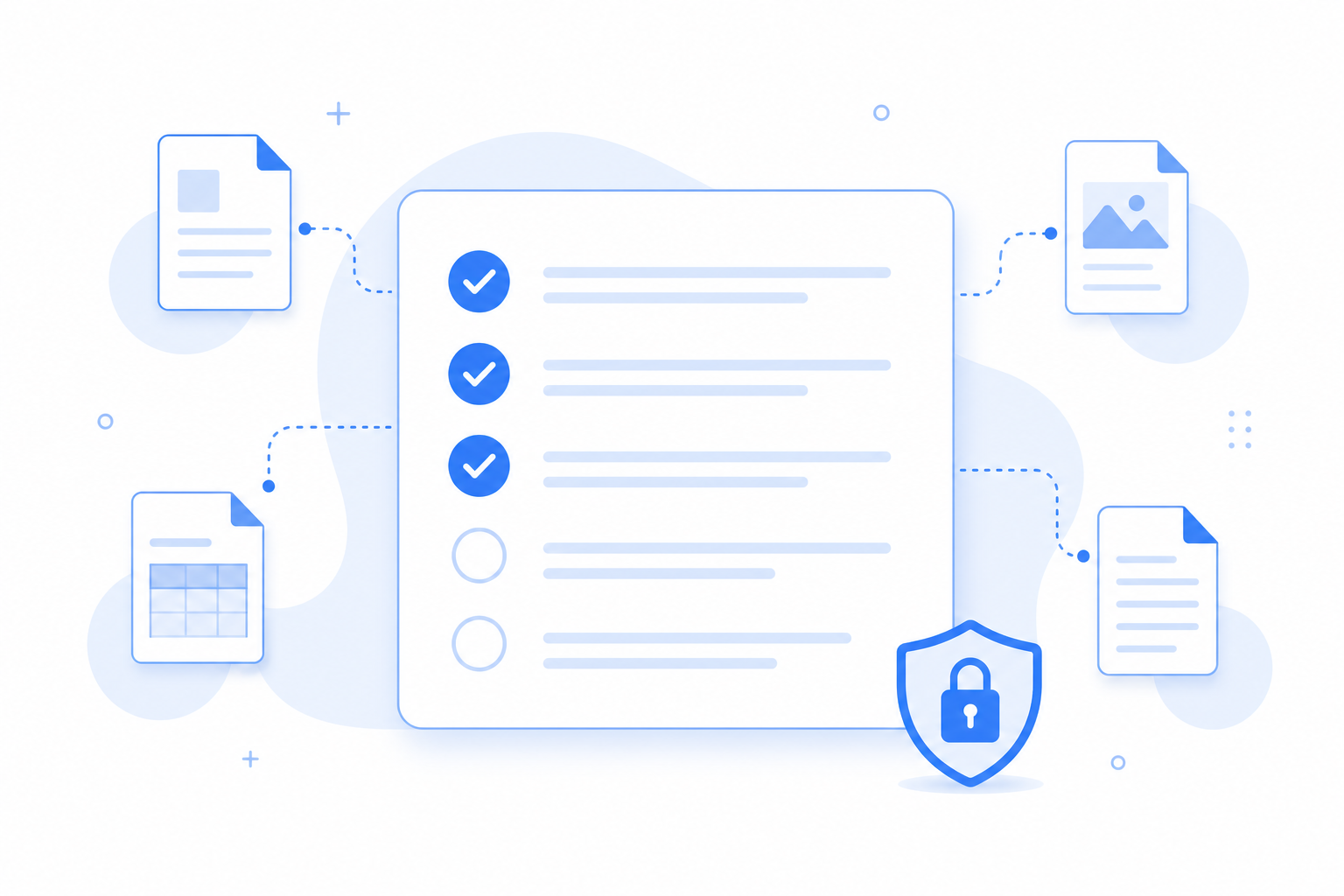
Why this checklist
New engagements need a signed agreement, brand guidelines, and access notes before work starts. This template keeps those items required and leaves the company logo optional, without asking clients to send passwords in plain text.
When onboarding files are late
Kickoff stalls when contracts and assets arrive separately.
- The signed agreement lands without brand files.
- Access notes arrive in a different thread.
- You cannot see what is still outstanding.
Client onboarding
4 items
Signed agreement
Required
Company logo (PNG or SVG)
Optional
Brand guidelines
Required
Access setup notes (no passwords)
Required
What this template solves
A repeatable kickoff packet for every new client.
Clear required set
Clients know what blocks the start of work.
Lands in a request-only folder
Uploads go to a request-only folder. Filecue does not keep copies.
Matches the use-case guide
See the Client onboarding use case for the full workflow.
Questions about templates
Questions about client onboarding checklists.
Should passwords go in the checklist?
No. Ask for access setup notes without passwords. Share secrets through your password manager.
Do clients need accounts?
No.
Can I reuse this for every client?
Yes. Save it as a template.
Where do files go?
Into a request-only folder in your connected cloud. Filecue does not keep copies.
Still have a question? Contact us
Related templates
Collect all required files with one link
Create a free request from this checklist. Submitters need no account.
Demos need no account. Free to start when you're ready.