Built-in checklist
Brand assets
Ask once for logos and brand files instead of digging through chat threads.
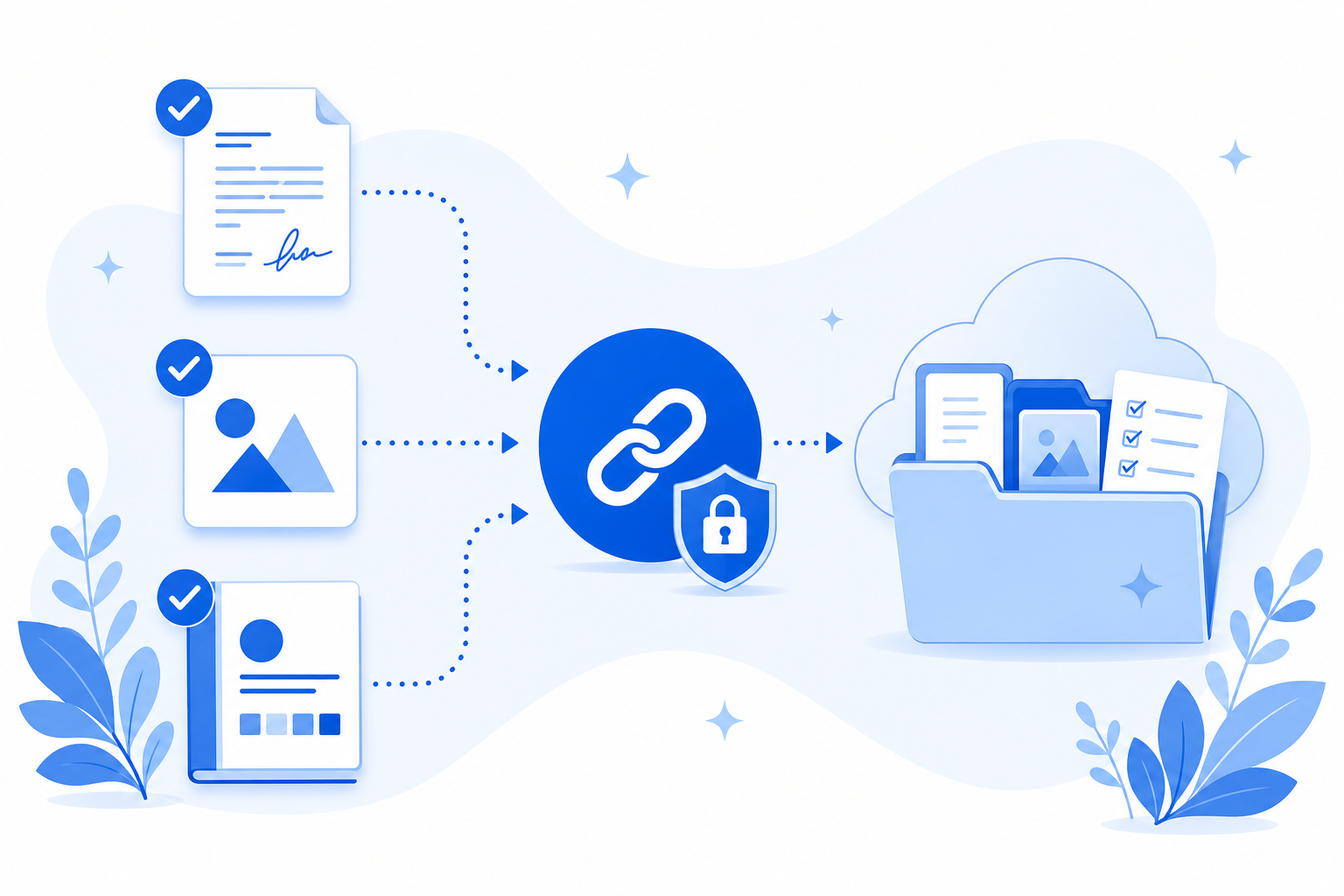
Files land in a request-only folder in your connected cloud. We never keep copies.
Demos need no account. Free to start when you're ready.
Why this checklist
Brand work stalls without logos, guidelines, font information, and brand photos. This list asks for the asset pack creatives typically need, with guidelines optional when a client is still defining them.
When brand packs are incomplete
Design time should not wait on a ZIP lost in email.
- Only a low-res PNG arrives, not the SVG or pack.
- Guidelines show up after the first draft is already wrong.
- Assets live in chat downloads instead of the project folder.
Brand assets
4 items
Logo files (PNG, SVG, or ZIP)
Required
Brand guidelines
Optional
Font package (ZIP) or font license notes
Optional
Brand photos
Optional
What this template solves
A single checklist for the brand files your team needs.
Format expectations up front
Ask for PNG, SVG, or ZIP so you get assets in usable formats.
Lands in a request-only folder
Files go to a request-only folder. Filecue does not keep copies.
Fits agency kickoffs
Pair with the Creative agencies use case for the full workflow story.
Questions about templates
Questions about collecting brand assets.
Can I require a ZIP for the logo pack?
Yes. Set accepted types per item, including archives where needed.
Do clients need an account?
No. They upload from the browser with no Filecue signup.
Can guidelines be optional?
Yes. Mark items optional so incomplete brand books do not block upload of logos.
Where are assets stored?
In a request-only folder in your connected Google Drive or personal OneDrive.
Still have a question? Contact us
Related templates
Collect all required files with one link
Create a free request from this checklist. Submitters need no account.
Demos need no account. Free to start when you're ready.