
Built-in checklist
Signed documents
Collect signed documents without another round of email attachments.
Files land in a request-only folder in your connected cloud. We never keep copies.
Demos need no account. Free to start when you're ready.
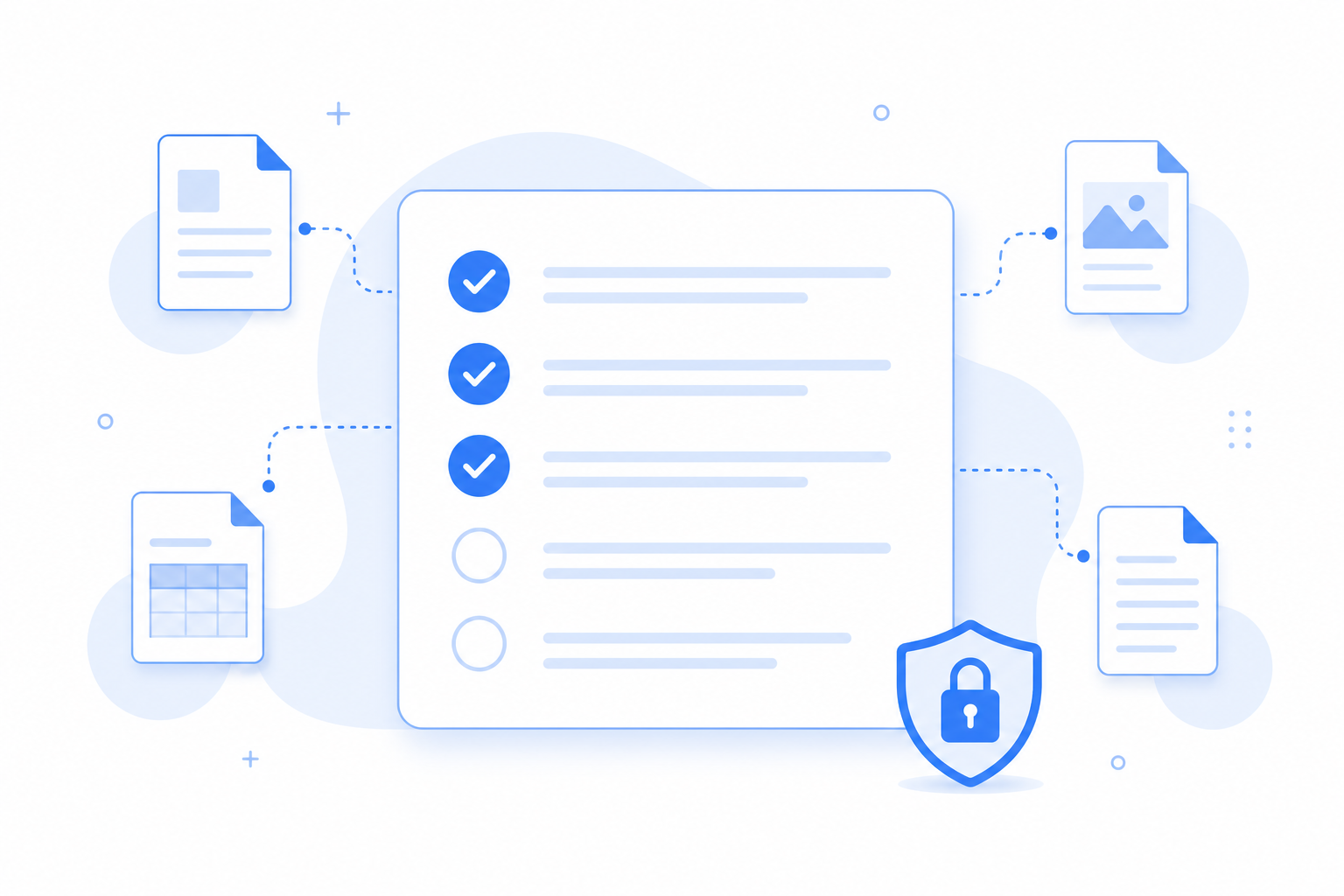
Why this checklist
The signed agreement is required. The NDA, order acknowledgment, and other signed forms are optional, so submitters can complete the request without documents that do not apply. Do not use Filecue for passports or government ID data.
When signed packets stall
Contracts and supporting pages rarely arrive together.
- The signed PDF comes without the schedule or addendum you need.
- Follow-ups pile up across email while the engagement waits.
- Versions multiply and nobody knows which file is final.
Signed documents
4 items
Signed agreement
Required
Signed NDA
Optional
Order acknowledgment
Optional
Other signed forms
Optional
What this template solves
One link that clearly shows every required document.
Required vs optional is clear
Submitters see what blocks completion and what can wait.
Lands in a request-only folder
Files go to a request-only folder in Google Drive or personal OneDrive. Filecue does not keep copies.
Reusable for every deal
Save your firm's standard checklist and apply it to each new request.
Questions about templates
Questions about collecting signed documents with Filecue.
Can I require only PDFs for the agreement?
Yes. Set accepted file types per item before you send the link.
Do signers need a Filecue account?
No. They open the link and upload from the browser.
Is this a substitute for e-signature?
No. Filecue collects completed files. Use your e-sign tool first, then request the signed PDF here.
Which use-case guide pairs with this template?
The Client onboarding guide is linked from this page.
Still have a question? Contact us
Related templates
Collect all required files with one link
Create a free request from this checklist. Submitters need no account.
Demos need no account. Free to start when you're ready.