
Built-in checklist
Vendor registration
Collect company paperwork before you place an order.
Files land in a request-only folder in your connected cloud. We never keep copies.
Demos need no account. Free to start when you're ready.
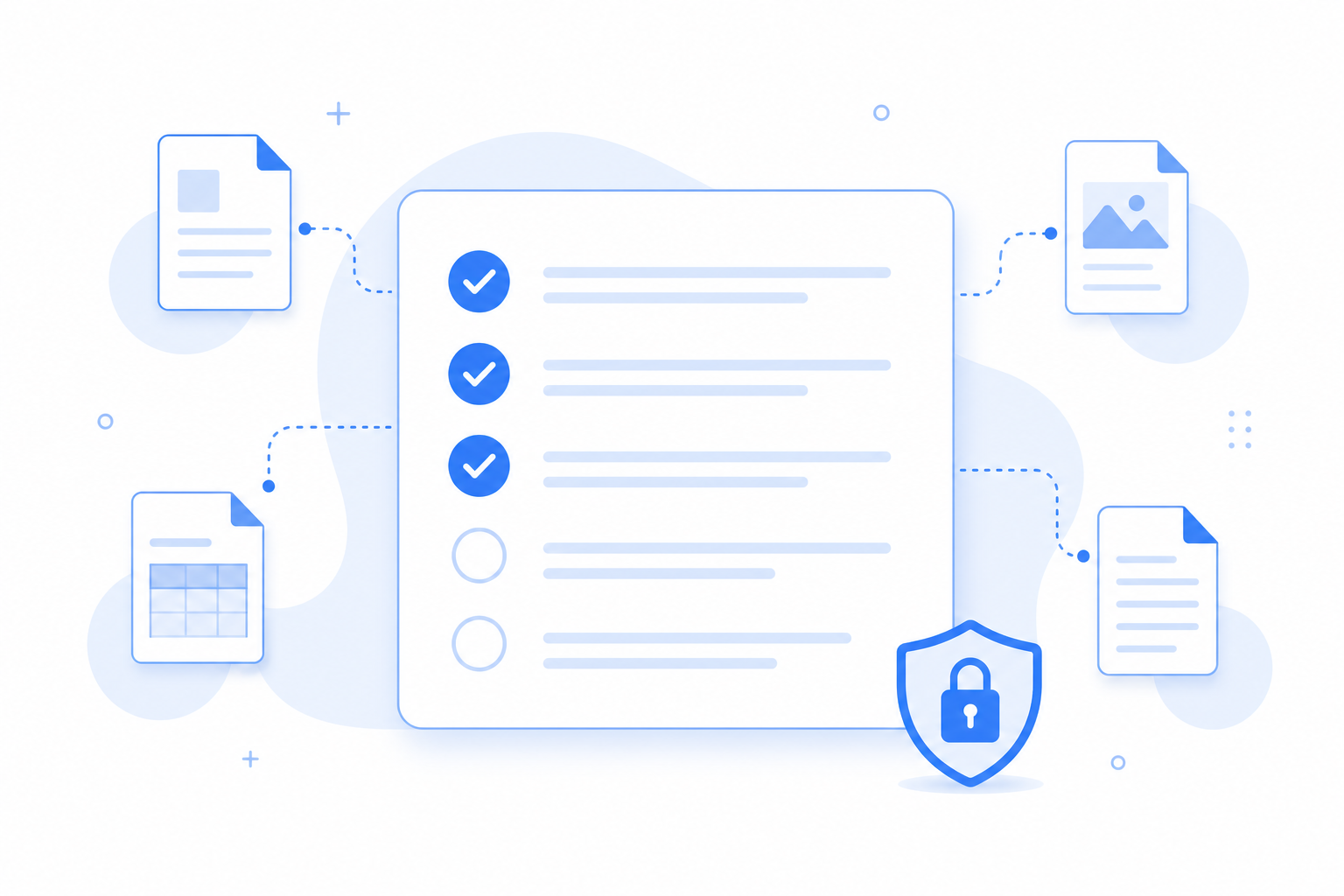
Why this checklist
Vendor onboarding often scatters business registration, payment details, tax or invoice registration documents, insurance certificates, and company profiles across separate emails. This checklist keeps that packet organized while reminding submitters not to include SSN-bearing forms.
When vendor packets are messy
Procurement should not dig through attachments.
- Insurance certificates expire and replacements get lost.
- Business registration and payment details arrive without the required tax or invoice registration document.
- Sensitive tax IDs show up when they should not.
Vendor registration
5 items
Business registration or certificate
Required
Bank account verification document (mask unrelated balances and transaction history)
Required
Tax / invoice registration document
Required
Insurance certificate
Optional
Company profile or brochure
Optional
What this template solves
A safer, clearer vendor onboarding checklist.
Sensitive data boundaries
Do not request SSN-bearing tax forms or payment card data through Filecue.
Lands in a request-only folder
Files go to a request-only folder. Filecue does not keep copies.
Fits construction and ops
See the Construction use-case guide when your vendors are trades or subcontractors.
Questions about templates
Questions about vendor onboarding files.
Can vendors upload W-9 forms containing Social Security numbers?
No. Do not request tax forms containing Social Security numbers, My Number documents, passports, or payment card data through Filecue.
Do vendors need accounts?
No.
Can I make insurance required?
Yes. Mark each item as required or optional.
Where are files stored?
In a request-only folder in your connected Google Drive or personal OneDrive.
Still have a question? Contact us
Related templates
Collect all required files with one link
Create a free request from this checklist. Submitters need no account.
Demos need no account. Free to start when you're ready.