
Built-in checklist
Receipts & invoices
Collect expense receipts and invoices in one checklist.
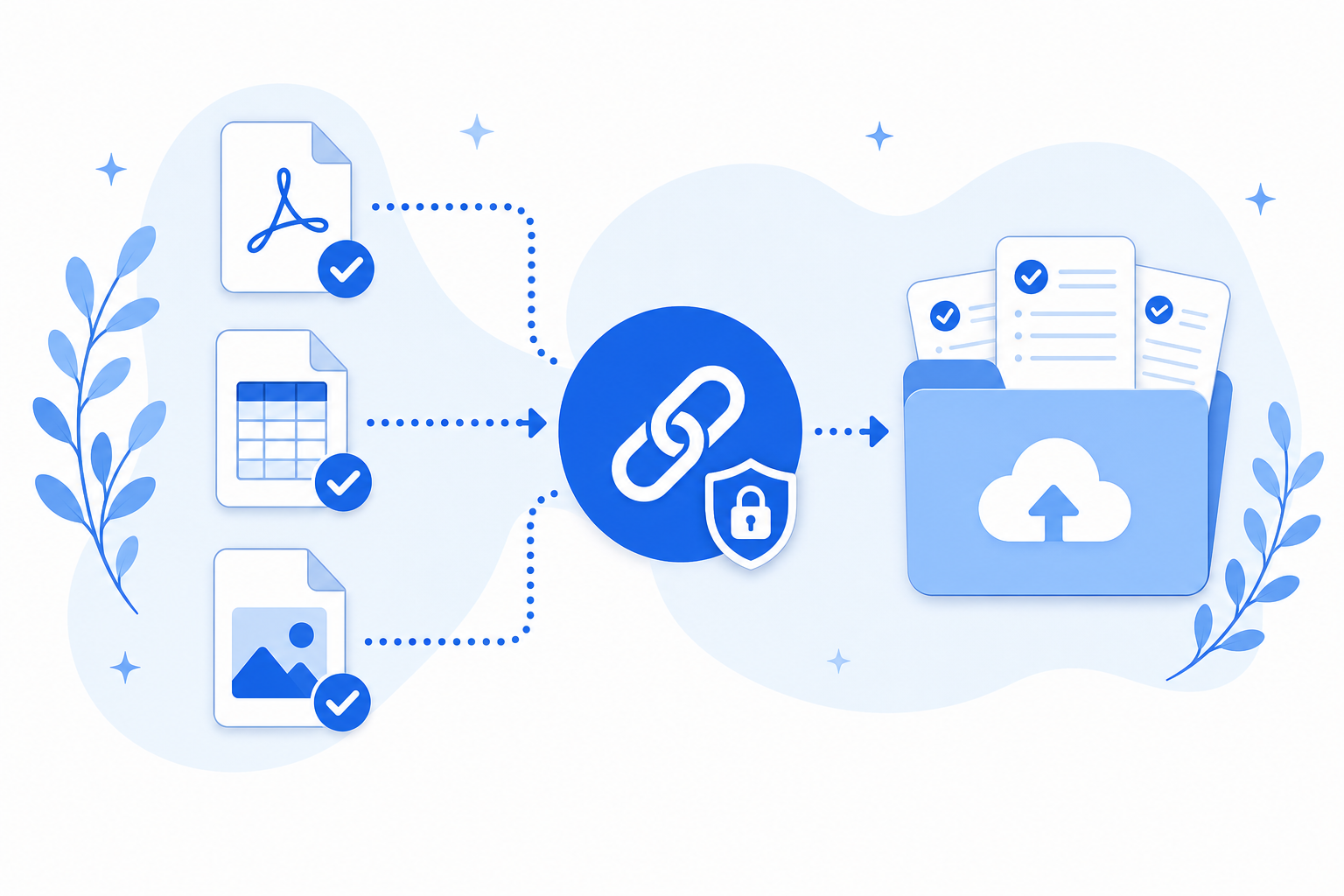
Files land in a request-only folder in your connected cloud. We never keep copies.
Demos need no account. Free to start when you're ready.
Why this checklist
Expense cycles break when receipts, invoices, and statements arrive in different formats and threads. This template groups the usual finance packet so you can see gaps before books close.
When expense packets are incomplete
Month-end should not start with digging through inboxes.
- Photos of receipts arrive without matching invoices.
- You follow up on missing statements after the cutoff.
- Files live in chat instead of the finance folder.
Receipts & invoices
4 items
Receipts
Required
Invoices
Required
Bank or credit card statement
Optional
Supporting photos
Optional
What this template solves
One finance checklist instead of another email thread.
Clear requirements for every submitter
Vendors and teammates see exactly which supporting documents you still need.
Lands in a request-only folder
Uploads go to a request-only folder in Google Drive or personal OneDrive. Filecue does not keep copies.
Works with tax season too
Pair with the Tax documents use case when clients send annual packs.
Questions about templates
Questions about collecting receipts and invoices.
Can submitters upload phone photos of receipts?
Yes. Allow images on receipt items so phone uploads work.
Do submitters need an account?
No. The submission link works in the browser without signup.
Where do files go?
Into a request-only folder in your connected cloud. Filecue does not keep copies.
Can I reuse this every month?
Yes. Save it as your template and use it for each cycle.
Still have a question? Contact us
Related templates
Collect all required files with one link
Create a free request from this checklist. Submitters need no account.
Demos need no account. Free to start when you're ready.